
Industries · Equipment Service & Rental
Dynamics 365 for Equipment Service, Rental, Maintenance and Repair
Asset-centric service, rentals and contracts for Texas equipment-service and rental businesses.
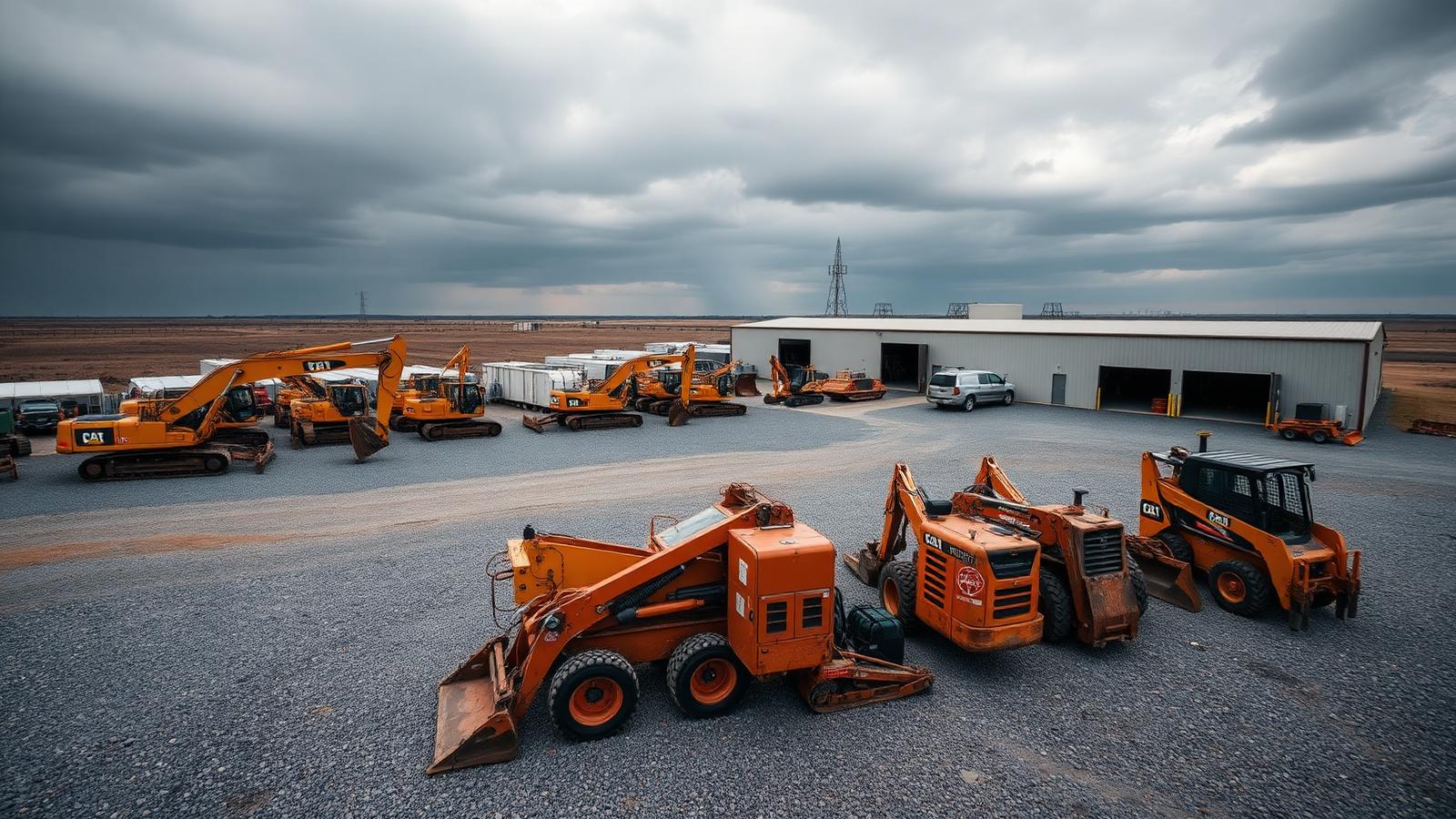
Equipment service and rental businesses operate around assets, contracts and dispatched crews. Dynamics 365 — built around Field Service and an asset hierarchy — keeps the entire lifecycle from quote through service history in one place.
The problem
Texas rental and equipment-service companies are losing money on assets they can't see.
Equipment-service, rental, repair and maintenance companies across Houston, the Permian, Eagle Ford and the Gulf Coast manage tens of thousands of serialized assets, contracts and crews spread across yards, trucks and customer sites. Dispatch boards live in whiteboards and chat threads, preventive-maintenance schedules slip, rental returns and damage charges get missed, and serialized parts move between trucks without ever updating the system of record. Utilization, contract renewals and per-asset margin become guesses instead of numbers.
Microsoft Dynamics 365 Field Service and Business Central — implemented by a Texas managed ERP services partner with asset-centric experience — model customer, site and equipment hierarchies, drive preventive maintenance and inspections, automate recurring rental billing and reconcile parts, labor and equipment back to job and contract margin. With Dynamics 365 mobile in the truck, technicians capture work in real time and finance stops chasing paper tickets at month-end.
Typical challenges
The operational realities behind your ERP and CRM decisions.
- Asset hierarchies that span customers, sites and equipment.
- Service agreements, renewals and preventive-maintenance cadences.
- Rental contracts, returns, damage and recurring billing.
- Truck stock, parts movement and serialized inventory.
- Dispatch and scheduling for crews across regions.
- Margin visibility per asset, contract and crew.
Recommended Dynamics 365 footprint
Applications we typically deploy in this industry.
- Field Service for work orders, scheduling and assets
- Customer Service for inbound case management
- Business Central or Supply Chain Management for finance, parts and inventory
- Customer Engagement for renewals and account management
- Power BI for utilization, margin and asset dashboards
- Integrations to telematics, GPS and rental management systems
Engagement flow
How an engagement moves from first call to steady state.
- Step 01Discovery and fit assessment — current systems, processes, and friction.
- Step 02Solution blueprint mapped to Dynamics 365 with a phased delivery plan.
- Step 03Configuration, data migration, and integrations to your line-of-business systems.
- Step 04User acceptance testing, training, and a controlled cutover.
- Step 05Managed support and continuous improvement after go-live.
Related
Keep exploring.
Map Dynamics 365 to your equipment service & rental operation.
A 30-minute call with a consultant who has worked with companies in your space.